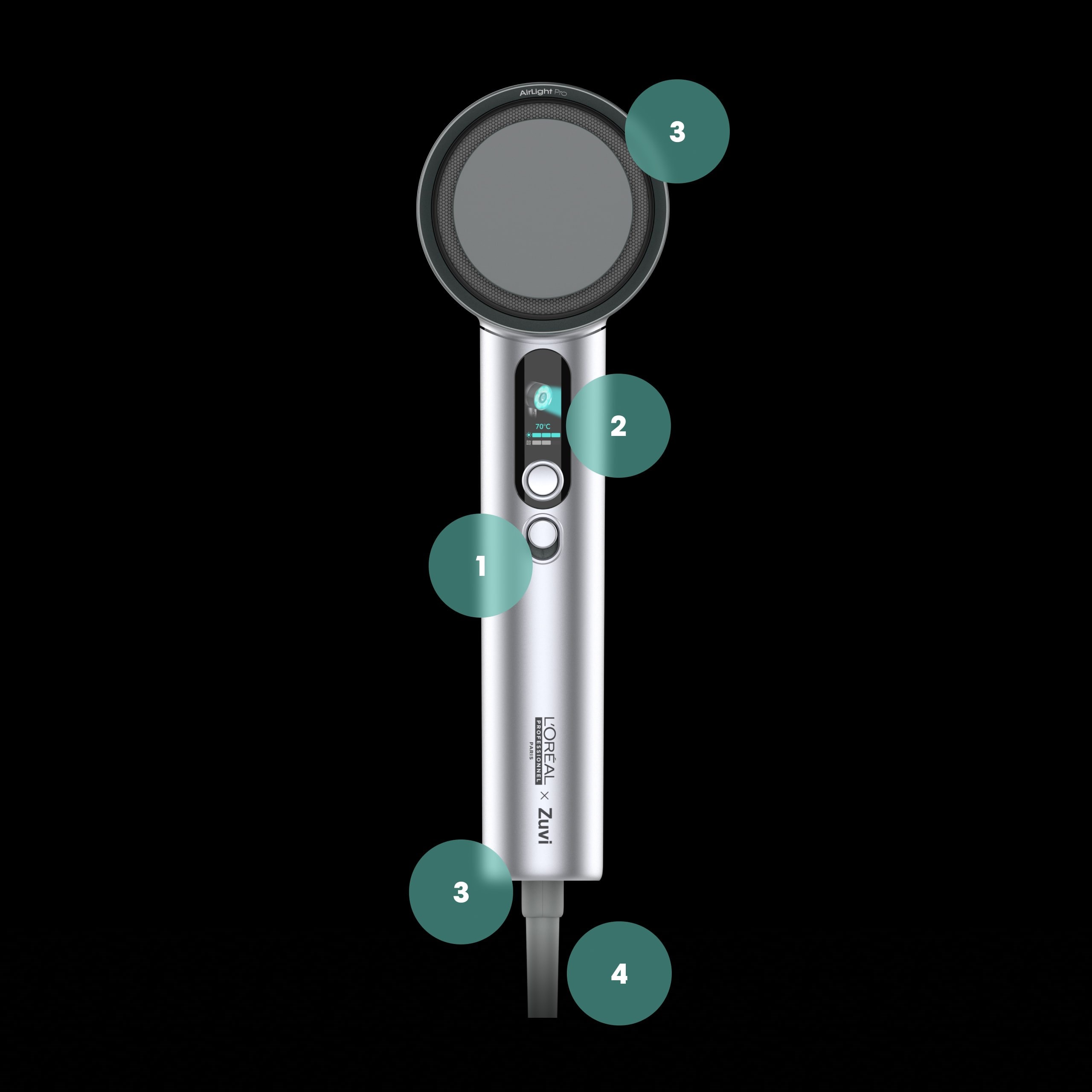
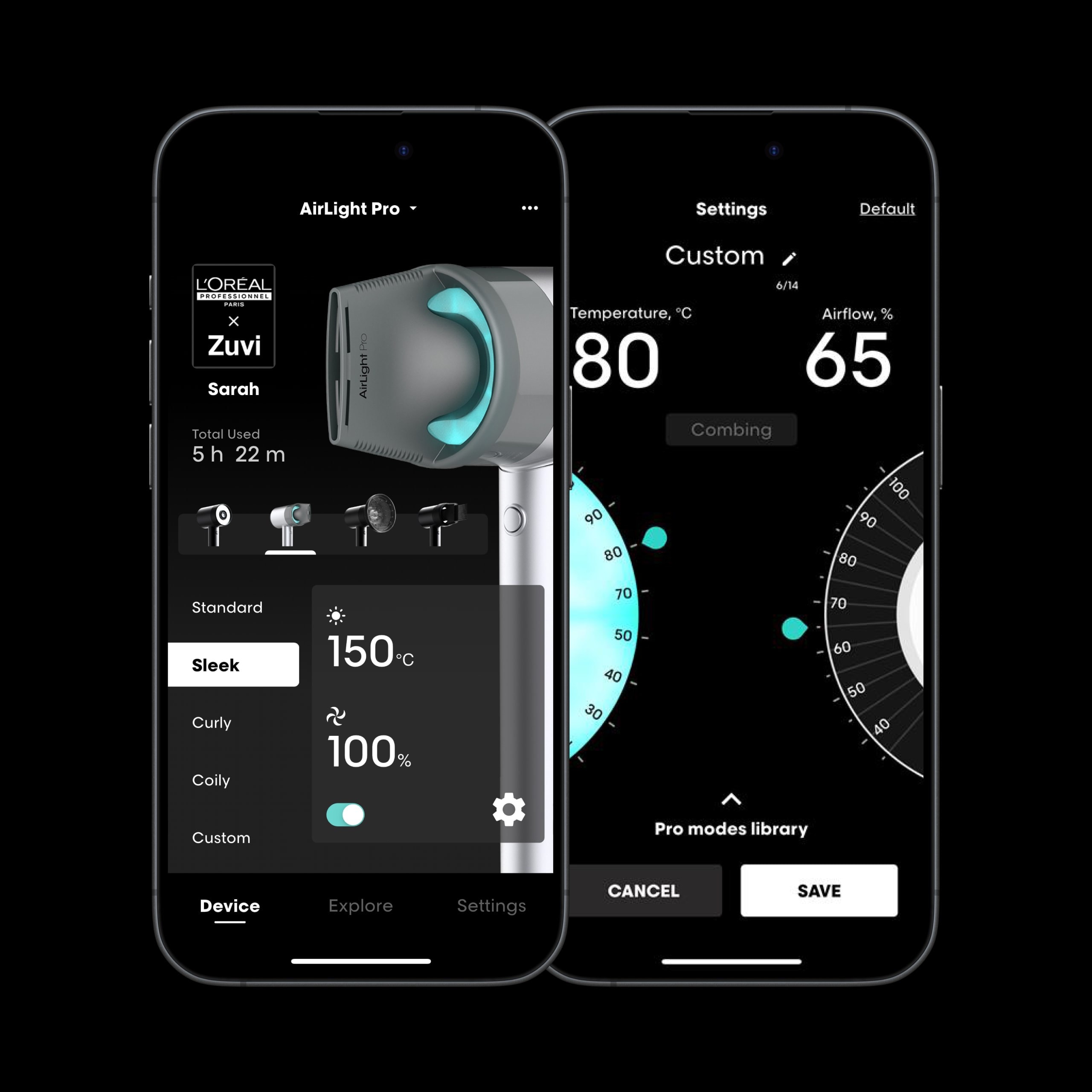
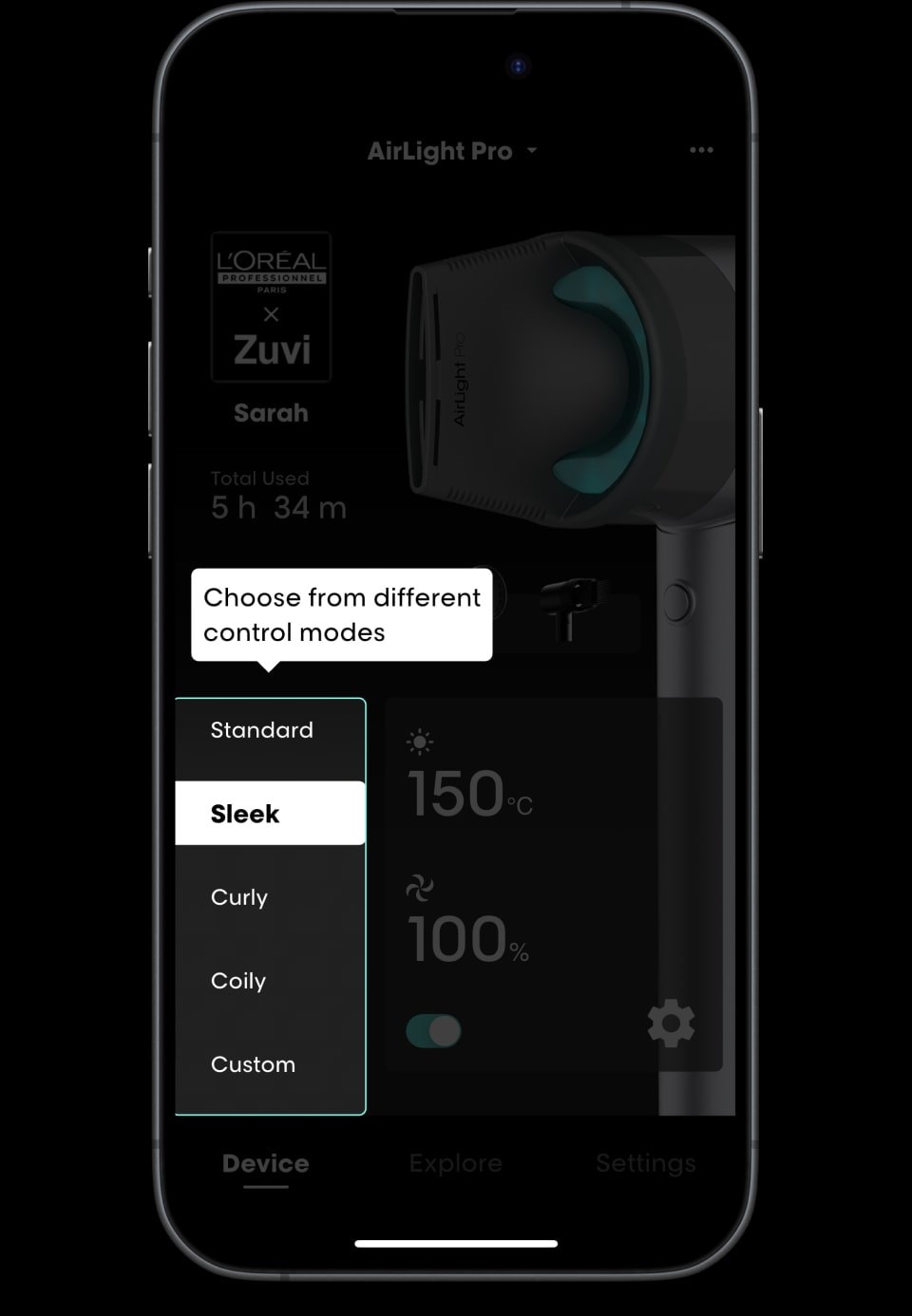
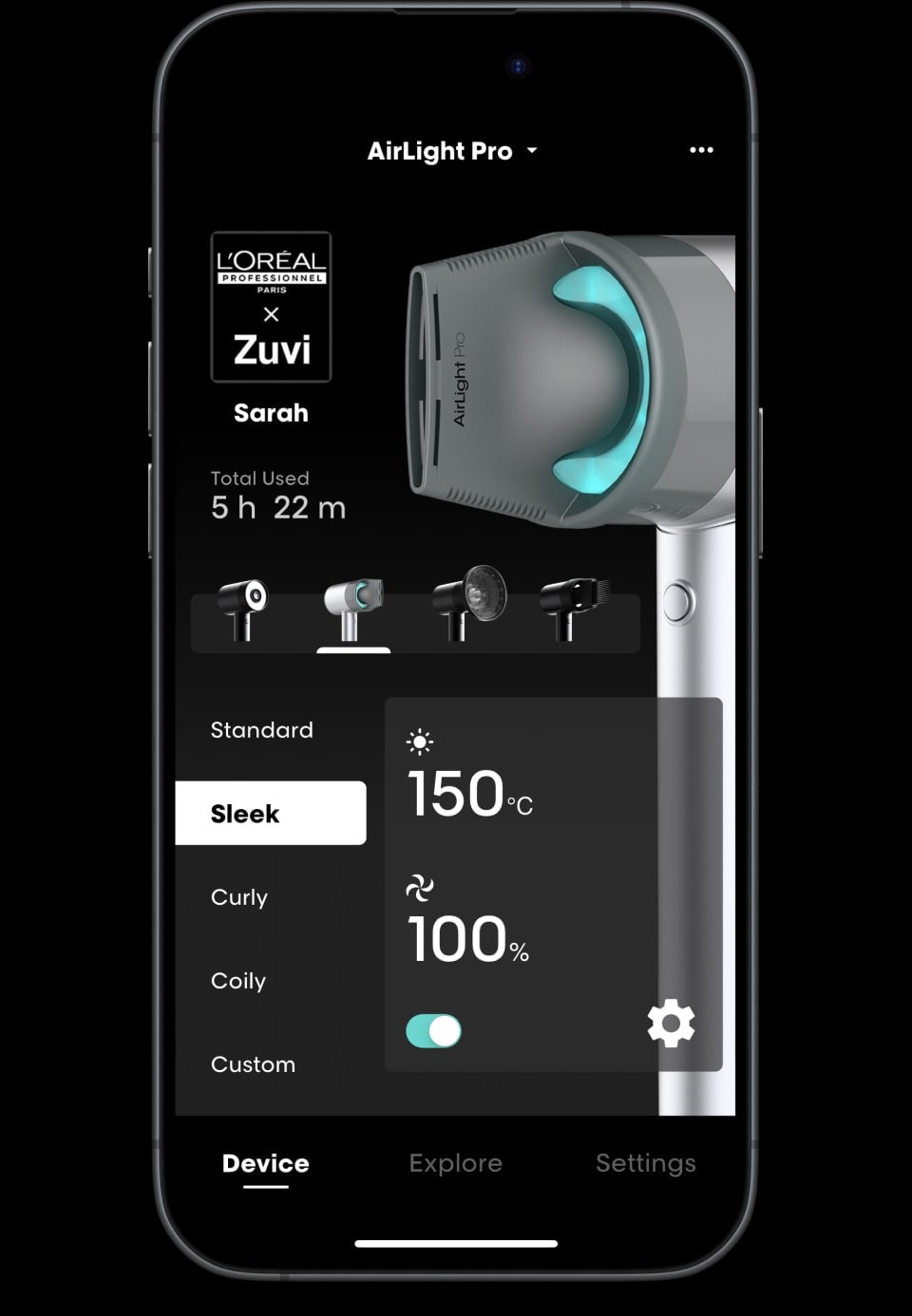
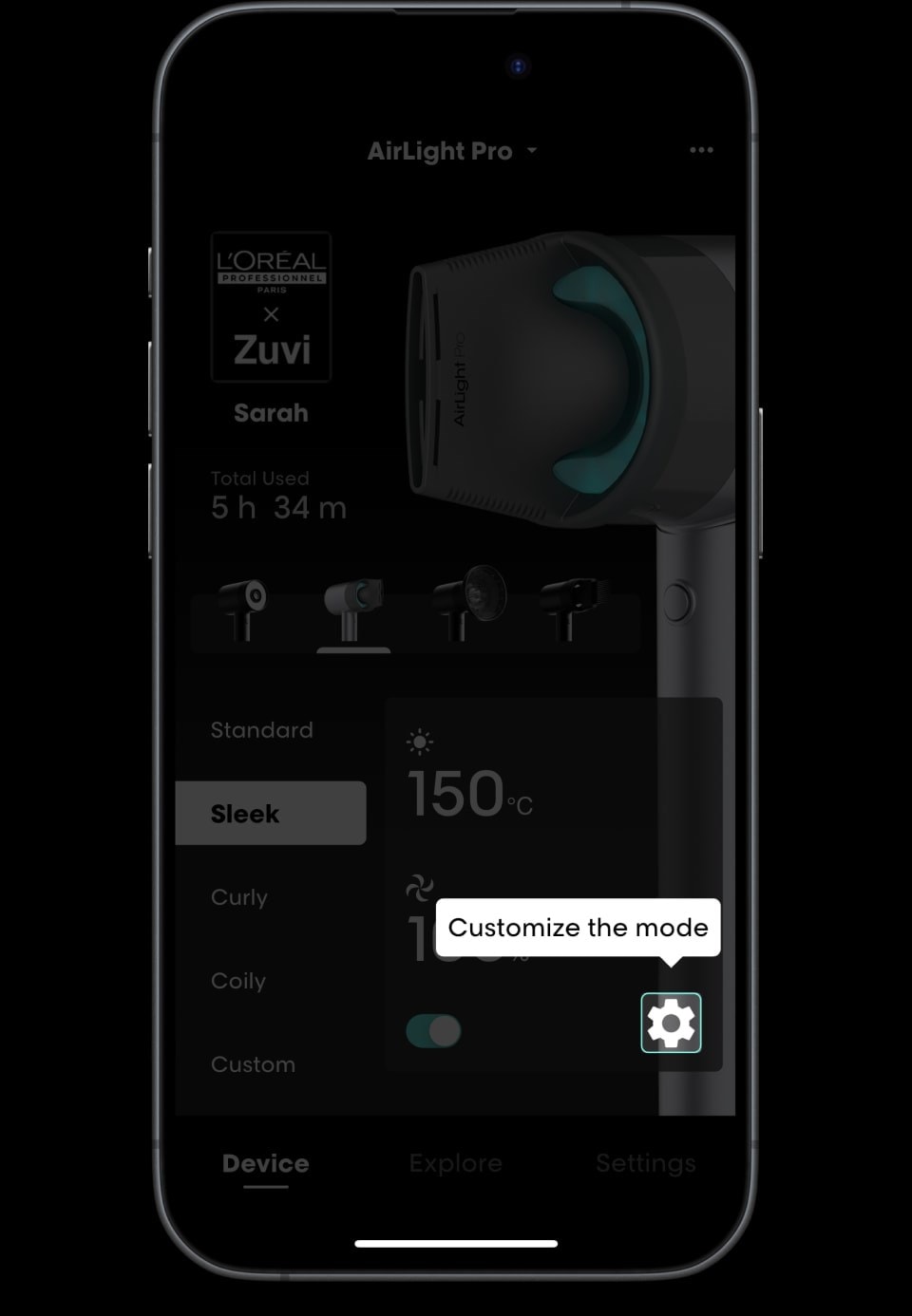
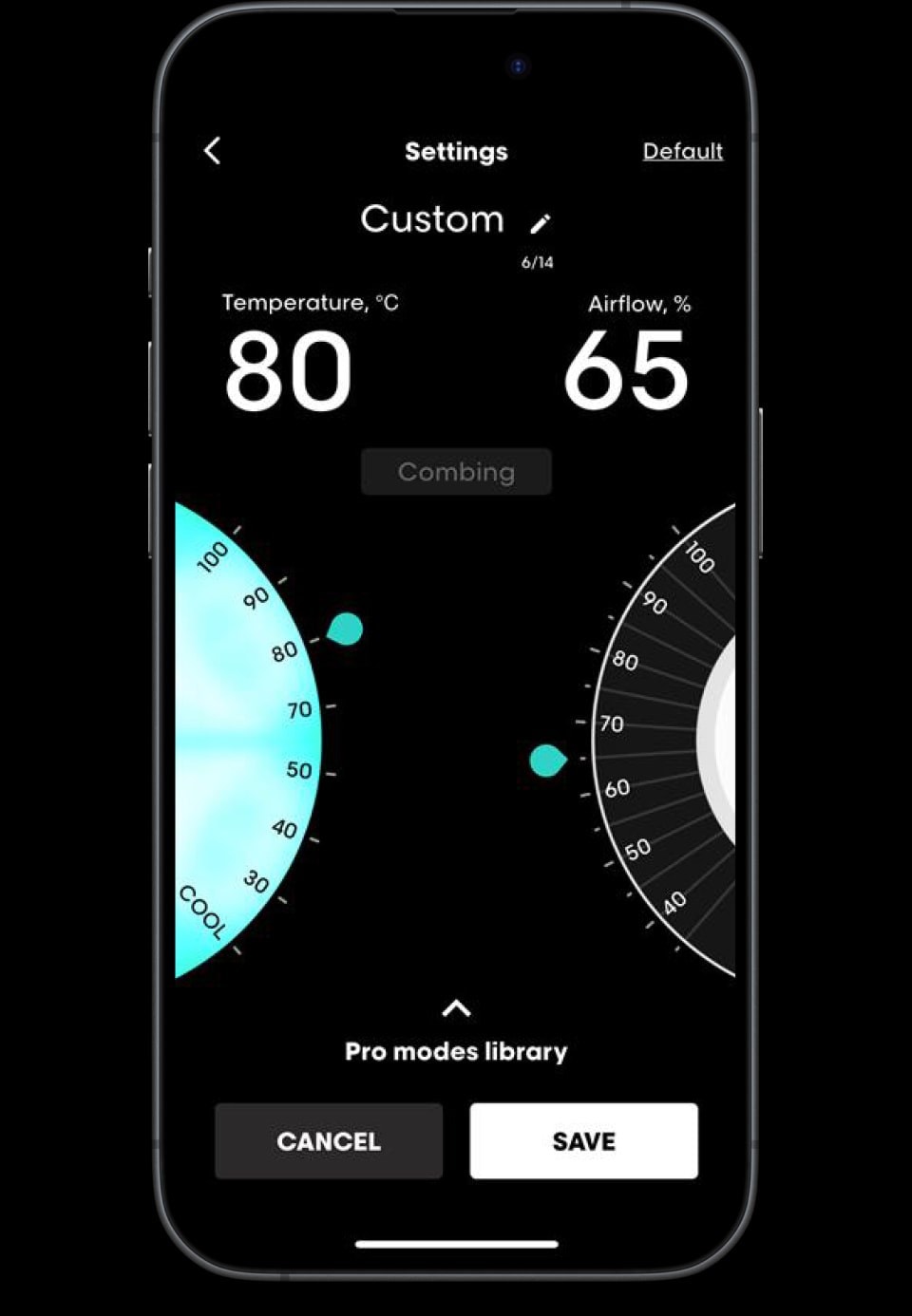
Download the app and create your own modes
Available on the Apple Store & Google Play Store.


Warranty
2. Covered by warranty
4. How to make a warranty claim
Please contact the L’Oréal Customer Care Centre using the details below with your proof of purchase and product serial number. We will assess your claim and, if the issue is covered by this voluntary warranty, arrange repair or replacement. This process is in addition to your rights under the Australian Consumer Law, including the right to a refund or replacement for a major failure.
L’Oréal Customer Care Centre (Australia)
Email: [email protected] (for Salons and general consumers)
Phone: 1300 651 991
L’Oréal Customer Care Centre (New Zealand)
Email: [email protected] (for Salons and general consumers)
Phone: 0800 889 778
Address for warranty returns Aus & NZ :
APS Logistics Group – Australia
23 Encore Avenue Somerton
Victoria 3062
Australia
T: +61 3 9303 2802
M: +61 406 385 149
3. Not covered by warranty
Subject to your rights under consumer laws, we do not guarantee the repair or replacement where a defect is the result of:
- Damage caused by not carrying out the recommended appliance maintenance (including filter cleaning) set out in the User Manual.
- Accidental damage, faults caused by misuse, neglect, improper handling, or use of the appliance which is not in accordance with the User Manual.
- Use of the appliance for anything other than as a hair dryer.
- Use of parts and accessories which are not supplied or approved by L’Oréal Professionnel Paris Zuvi.
- Incorrect assembly or installation not in accordance with the User Manual.
- Repairs or alterations carried out by parties other than the authorized agents.
- Normal wear and tear.
- Damage caused by external force (for example, impact).
- Use with the wrong voltage or with an unsuitable adaptor.
- Out of warranty period (noting that statutory rights may continue to apply).
1. Warranty period
In addition to your rights under consumer laws, L’Oréal Australia Pty Limited and L’Oréal New Zealand Limited provide a voluntary two year warranty from the date of purchase for AirLight Pro. If a manufacturing defect arises during this warranty period under normal use and maintenance, we will, at our option, repair or replace the appliance at no charge. This voluntary warranty is additional to, and does not limit or exclude, your statutory rights and remedies.
Get in touch
L'Oreal Customer Care Centre (Australia)
Email: [email protected]
Phone: 1300 651 991
L'Oreal Customer Care Centre (New Zealand)
Email: [email protected]
Phone: 0800 889 778